 Siren
1
Set your timer
Pick a length, then put your phone down.
Siren is a focus timer for iPhone. Start a session, put the phone down, and leave it there.
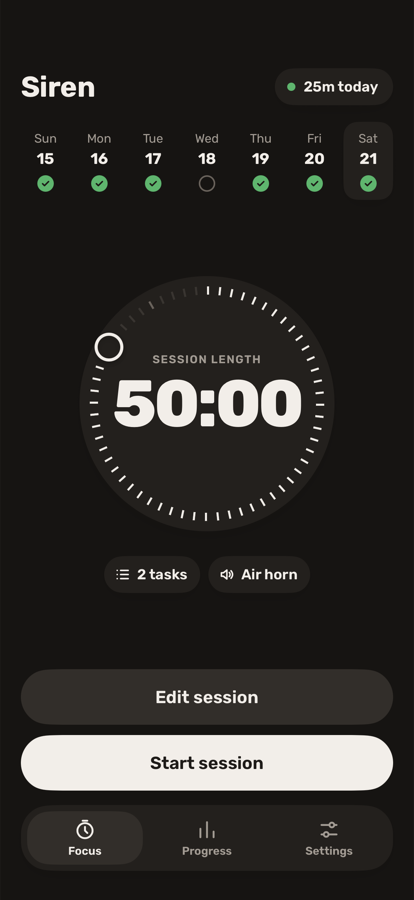
Pick a length, then put your phone down.
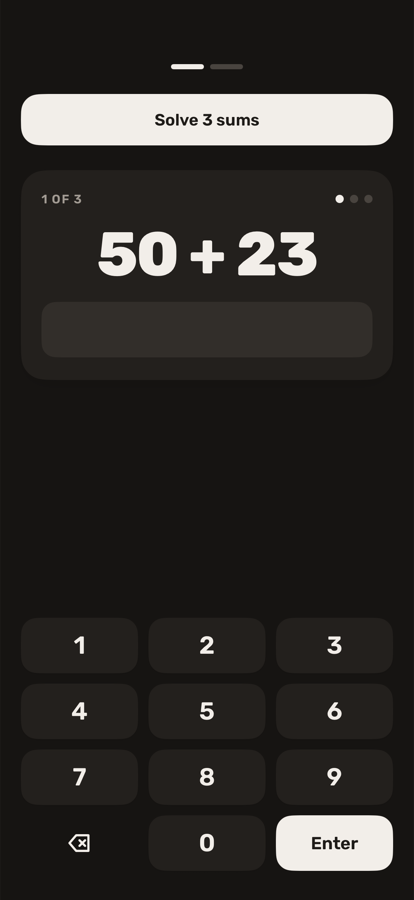
Pick it up and the alarm rings until you finish your tasks.
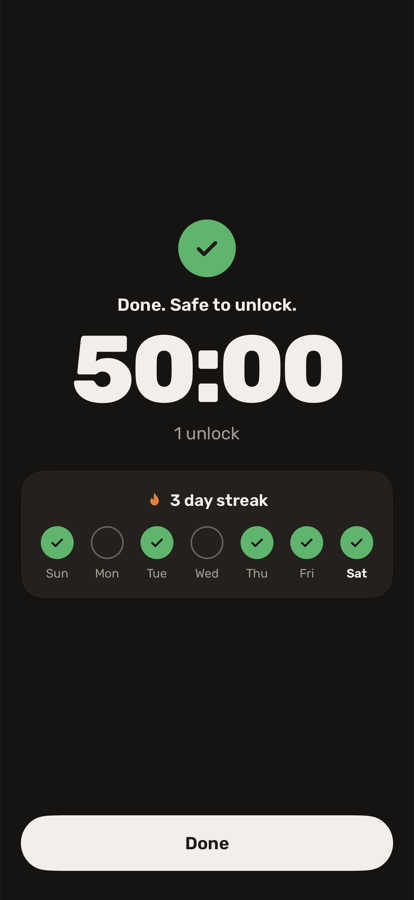
The timer finishes quietly and your streak grows.
Loud, right away, until your tasks are done. A message a friend recorded can play too.
Lock a photo, a note or a voice message before you start. It opens only after a clean session.
Pick up to three. Easy, medium or hard.
Pick a sound, or record one.
See your focus time add up.
Everything stays on your phone. No account.
Leaving Siren, or unlocking the phone. Locking it is fine.
Your session picks up where it stopped. The timer waits while the alarm rings.
Yes. Hold the button and do your tasks. Those minutes do not count.
The alarm still rings.
No. It plays from the phone's speaker.
Sessions, recordings and photos stay on the phone. Read the privacy page.